Your AI agents do not know your company.

We bring what your key people know together in one tool, your company's collective digital brain. Connect ChatGPT, Claude, Mistral or Copilot to it: they answer with your prices and the way you work, and never see more than the person using them.

30-minute video callno commitmentcovered by an NDA
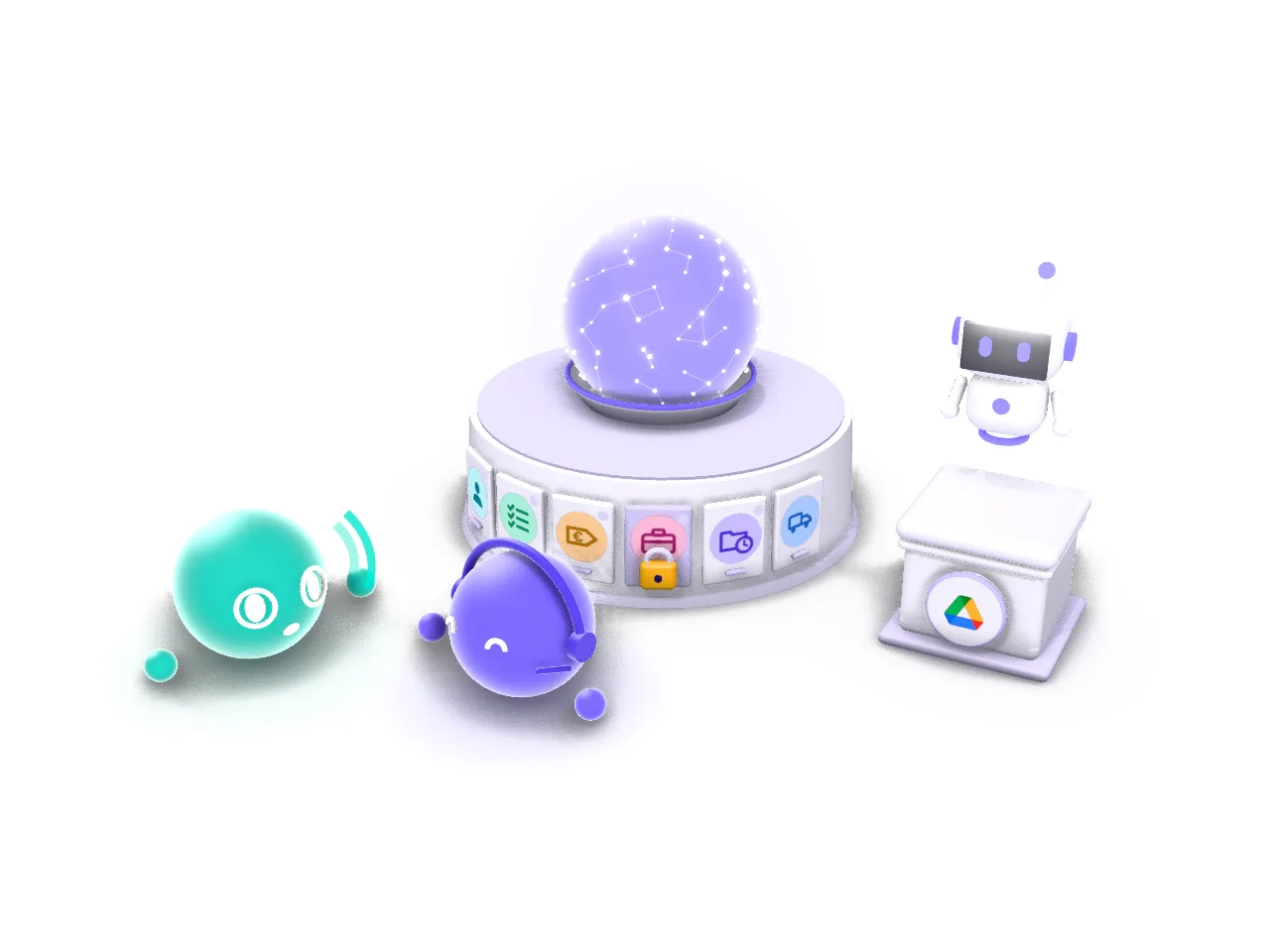
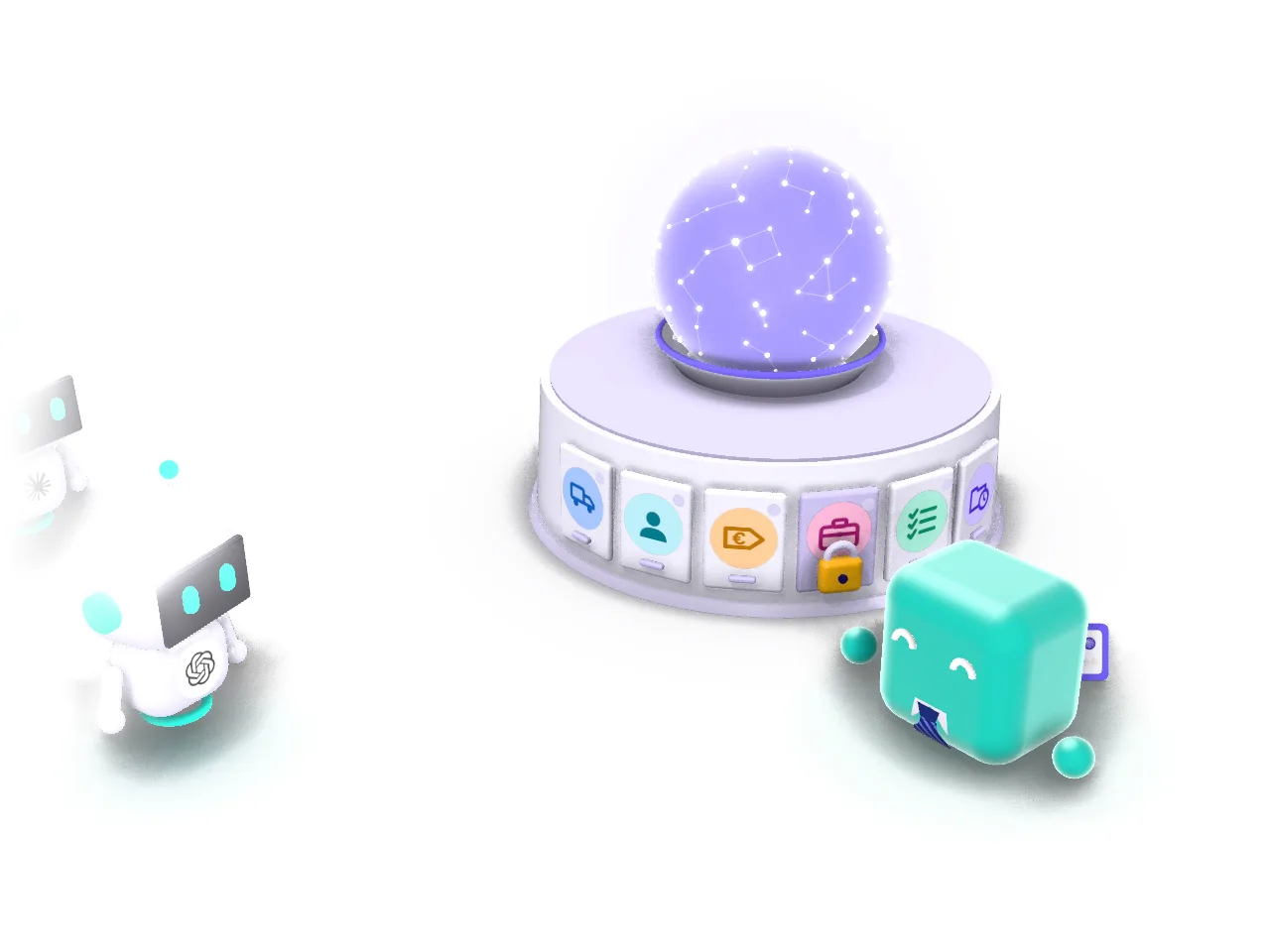
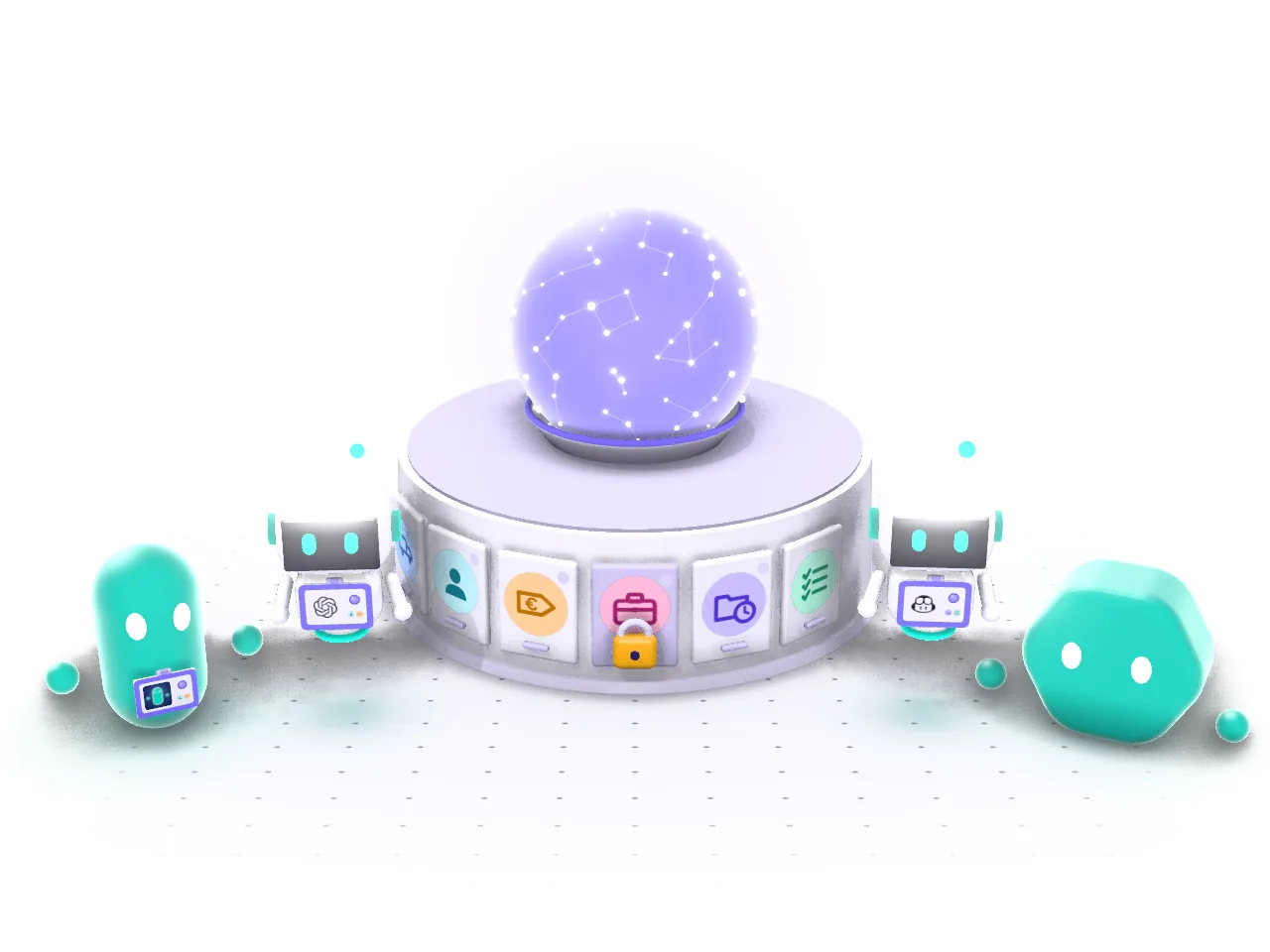
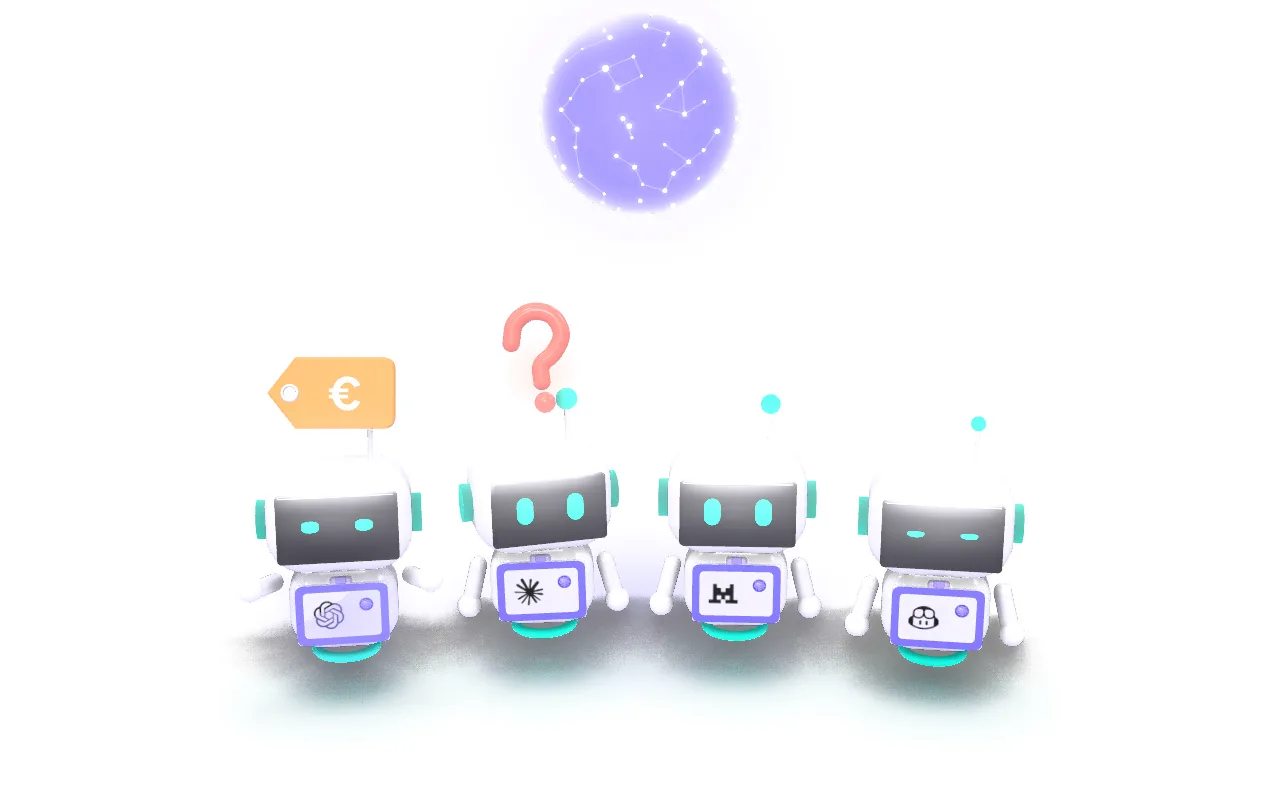
Four badged robots, bearing the ChatGPT, Claude, Mistral and Copilot logos, beneath the digital brain. In turn, a question mark pops up above one of them; the brain answers as light all the way to its badge, and the question mark becomes what it was looking for: a price tag, a supplier's lorry, a procedure sheet, a client record.

Your teams already use AI agents that know neither your rules nor your files.

They can draft, summarise and search. Your terms of sale and the agreements made with your suppliers, they have never seen: part of it is written down nowhere, and the rest sits in files nobody has opened to them.

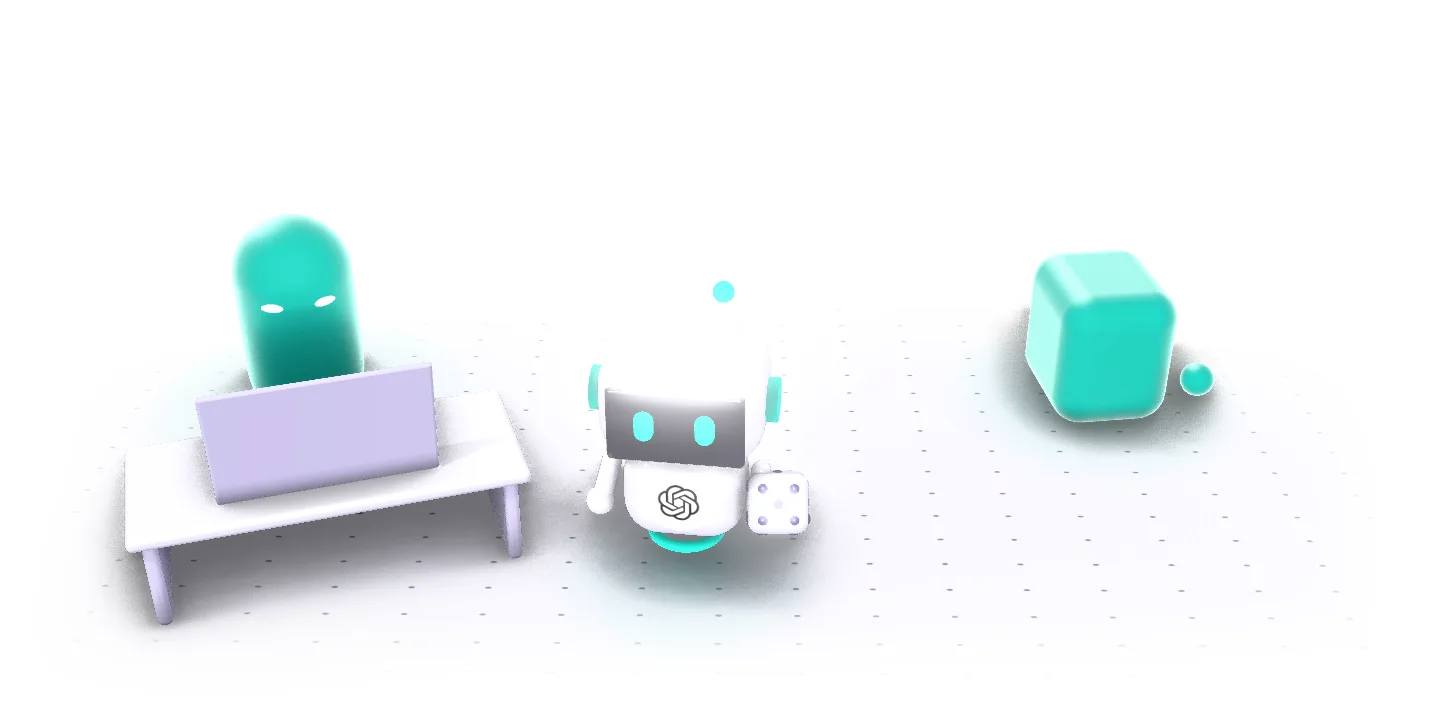
A salesperson types a question; the ChatGPT robot, very proud, rolls a dice and shows its answer: a dice face next to a percentage. The salesperson freezes, lost; in the background, the owner puts both hands to their cheeks.
01

They miss the point, because they do not know your cases

Ask an agent what discount to give a long-standing client: it answers with a generality, or confidently invents a figure. It knows neither the agreement made with that client nor the exception everyone applies in your company.
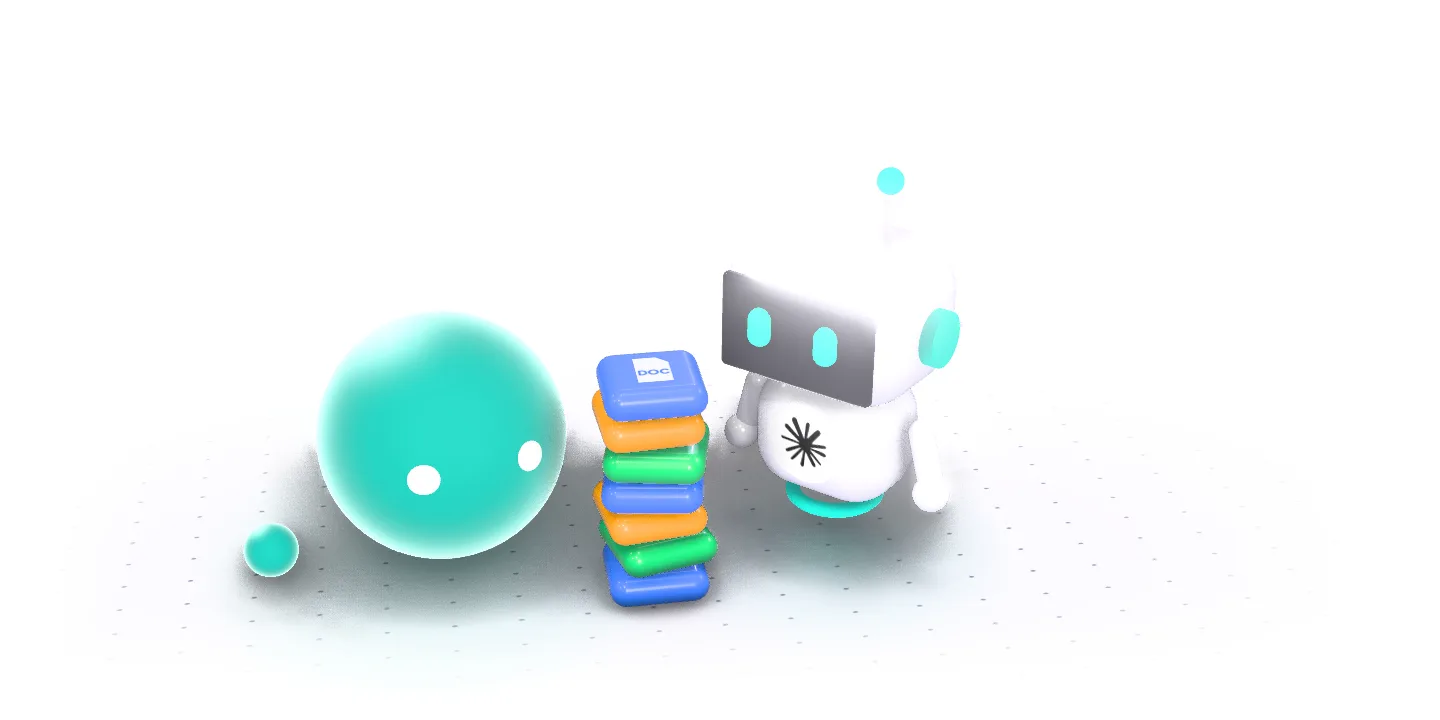
A buyer takes a document from the pile and pushes it against the chest of the Claude robot; it drops straight out underneath, rolls behind the pile and lands back on top. The robot nods, pleased, and the buyer grows weary: a sigh, then a hand on the forehead.
02

Everything gets copied in by hand

To get a useful answer, your teams paste documents into every conversation, and files travel from one inbox to the next. Time goes on copying and pasting, and what your key people know without having written it down is still missing.

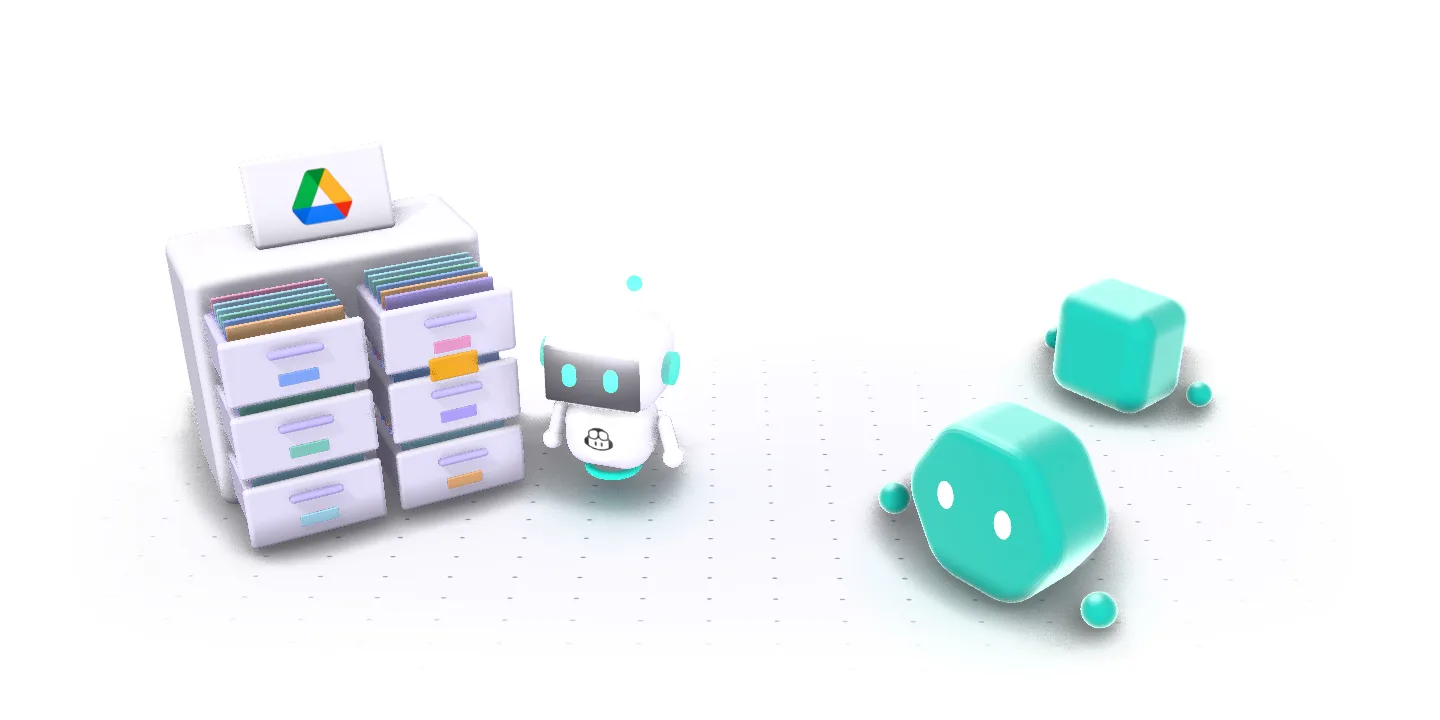
A cabinet with the Drive logo, every drawer open. The Copilot robot takes out the payroll sheet and hands it, glowing red, to the support technician who had asked an ordinary question; the technician backs away, and the owner clutches their head.
03

You do not know what they can see

An agent connected to the whole Drive also reads the salaries, the margins and the management files, and can quote them to anyone who asks. Nobody knows what it has looked at.

Your key people only have to explain their answers once. Engramia makes them available to your agents, with the access you decide.

How it works

Your teams keep the agents they already use. Your Engramia, your company's collective digital brain, is added to them as a connector.

The key person talks to the Engramia expert; the token drawn from their interview passes over their head, they approve it with a tick, and it goes into the Procedures drawer of the digital brain's base. The Engramia robot copies a document from the Drive box and files it in the Suppliers drawer.
Step 1 · The knowledge

We bring together what your key people know

An Engramia expert, trained in gathering knowledge and backed by a specialist in your trade when needed, interviews your key people on real cases, and we go through the tools you connect, without changing anything. Each person reviews what was drawn from their interviews. Everything comes together in your Engramia, updated every month.

  • Reviewed by each person
  • Updated every month
How we gather this knowledge
The owner holds a purple badge and shows it to two drawers of the digital brain's base, which light up; the owner tosses it to a robot, which catches it on its chest and opens one of those drawers, then takes the next robot's badge from behind their back.
Step 2 · Connecting

You connect your agents, one by one

The digital brain is added to ChatGPT, Claude, Mistral or Copilot through an MCP connector, the open protocol these assistants use to plug into an outside tool. For each agent, you choose what it can look up.

  • MCP connector
  • A scope for each agent
Over the technician's shoulder: a question about a late delivery is typed; the Copilot robot turns to the digital brain, which answers as light; the screen shows the procedure, then the source, which rises on its own: the photo of the person who explained it.
Step 3 · The answers

The agent asks the brain, and answers with the source

When someone asks their agent a question, the agent fetches the answer from the digital brain and cites where it comes from: the interview, the document, the person who explained it. If the information is not there, the brain tells it so.

  • Answers with sources
  • Inside everyone's own agent
Around the digital brain's base of drawers, each robot opens only its own person's drawers. The salesperson's robot shows its badge at the Confidential drawer: the badge turns grey, the gold padlock bounces and the robot backs away; the salesperson raises their own identical badge next to it and shakes their head with a smile.

An agent never sees more than the person using it.

  • The person's access, and nothing more

    An agent queries the brain with the rights of the person using it. If a salesperson has no access to margins, neither does their agent. And you can open less to the agent than to the person.

  • A scope for each agent, set by you

    The managing director decides, agent by agent. The sales team's agent sees clients and prices, not margins; the support agent sees the history of each file, not the contracts. By default, nothing is open to an agent.

  • A log of what each agent has looked up

    You see what each agent has fetched from the brain. You can remove access whenever you want.

  • Everything else stays with us, protected

    Whatever you open to an agent goes to its provider (OpenAI, Anthropic, Mistral or Microsoft) when the agent looks it up. Everything you do not open to it stays with us, on our own servers.

In the tool, agent by agent

These are the tool's real screens.

01 / 03

Connect an agent

You choose the agent (Claude, ChatGPT, Mistral or Copilot), what it can read and what it can quote. It gets an address and a key to paste into its settings.

02 / 03

See what your agents ask

Every question an agent asks is logged, with the topic it touched. You can narrow what it reads whenever you like.

03 / 03

Never more than the person using it

In the access settings, each person's agent sits under them: whatever the person cannot see stays locked for their agent.

Let's see in 30 minutes which agents to connect, and to what

30-minute video callno commitmentcovered by an NDA
Book a call

Four uses, in the agents your teams already have

Everyone asks their question where they work, and the agent answers from what your company knows.

  • A salesperson prepares for a meeting

    They ask their agent what was promised to this client, at what price, and what got stuck last time. The agent gives them a summary, with the sources.

  • Support answers on an old case

    A client calls back about a file handled four years ago. The agent finds how it was settled, by whom and why, without waiting for a long-serving colleague to be free.

  • A new hire asks how things are done here

    "What do we do when this supplier delivers late?" The agent answers with your company's way of doing things, as your key people explained it.

  • An in-house agent drafts your quotes

    Built by your own team, it connects over MCP like the others. It starts from your real prices and the terms agreed with each client, within the scope you have opened to it.

The questions we are asked about AI agents

Another question? Book a call: 30 minutes by video, covered by a non-disclosure agreement.

Which agents can be connected?

ChatGPT, Claude, Mistral and Copilot, and any in-house agent that can connect over MCP. MCP (Model Context Protocol) is the open protocol these assistants use to plug into an outside tool: your company's digital brain is added to them as a connector.

Why not just ask ChatGPT or Claude to search our emails?

Your agents will find what is written in your emails and documents. Most of what your key people know is written down nowhere: why this client pays this price, which supplier helps out on a Friday evening, what to say when a file gets stuck. We gather it in interviews, with them. Your agents can then plug into your Engramia and use it too.

Do we need a subscription on our side?

Your teams keep their ChatGPT, Claude, Mistral or Copilot subscription with the provider: the digital brain is added to it as a connector. Not every plan allows you to add an MCP connector; we check yours at the first call.

Does our data go to OpenAI or Microsoft?

Only what you open to their agents: that part reaches the provider when the agent looks it up. The rest of the digital brain stays with us, protected. By default, nothing is open to an agent, and you decide, agent by agent.

What exactly does the agent see?

Never more than the person using it: a salesperson with no access to margins does not get them through their agent either. You can open less to the agent than to the person, for example clients and prices without the staff files. A log shows what each agent has looked up, and you can remove access whenever you want.

What about agents we have built in-house?

If they can connect over MCP, they plug in like the others, with the same rules: a scope you set, a log of what they look up, access you can remove whenever you want. An agent that drafts your quotes can then start from your real prices.

How much does it cost?

As for the rest of Engramia, setting up is quoted case by case: it depends on how much data you have and how complex it is. After that, you pay monthly in credits, according to use: interviews held, documents taken in, questions asked by your teams and by their agents. At the first call, we estimate both together.

What happens when I click "Book a call"?

You choose a 30-minute slot and leave your name and email. The invitation and the video call link arrive in your inbox straight away. During the call, we get to know your company and look at which agents your teams use, what should be opened to them first, and what still needs to be gathered for them to answer correctly. There is no commitment, it is covered by a non-disclosure agreement, and no preparation is needed.

Connect your agents to what your company knows.

In a 30-minute video call, we look with you at which agents your teams use, what to open to them first, and what still needs to be gathered for them to answer correctly.

30-minute video callno commitmentcovered by an NDA
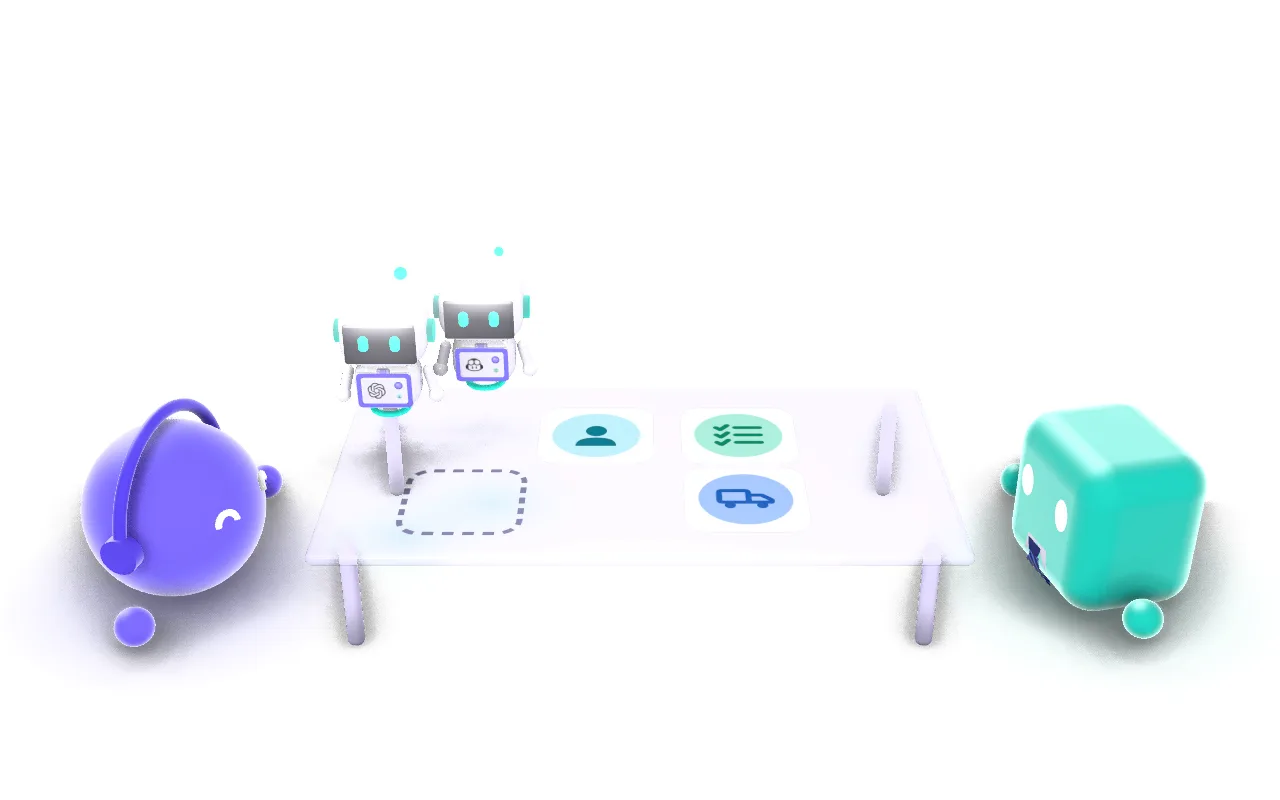
Around a glass table, the owner points to a box: a small badged robot slides into it and it lights up; the Engramia expert points to the dotted box, and the key person's photo rises: what still needs to be gathered.